| HomeTortue graphiqueGPanelGameGrid WebTigerPython |
| Python - Online |
2. AFFICHAGE LED

TU APPRENDRAS ICI... |

comment afficher des messages textuels et des images simples sur l'écran LED du micro:bit. |
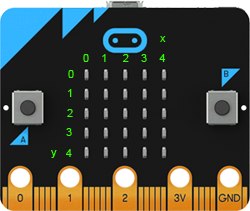
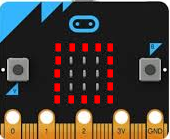
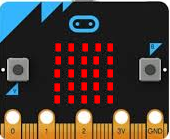
25 LED |
|
EXAMPLES |
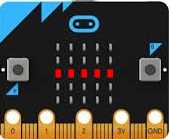
Programme: from microbit import * for x in range(5): display.set_pixel(x, 2, 9) sleep(400) display.set_pixel(x, 2, 0)
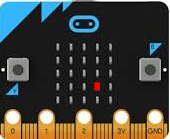
Dans le programme principal, la fonction randomLed() est appelée toutes les 200 millisecondes dans une boucle infinie. Le programme continue donc à s'exécuter jusqu'à ce que tu transfères un nouveau programme, que tu appuies sur le bouton Reset (situé à côté du connecteur USB) ou que tu coupes l'alimentation électrique. Programme: from microbit import * from random import randint def randomLed(): display.clear() x = randint(0, 4) y = randint(0, 4) display.set_pixel(x, y, 9) while True: randomLed() sleep(200)
Chaque image reste affichée pendant une seconde. À l'aide d'une boucle for, tu répètes cette séquence trois fois. Programme: from microbit import * for i in range(3): display.show(Image.ARROW_N) sleep(1000) display.show(Image.ARROW_E) sleep(1000) display.show(Image.ARROW_S) sleep(1000) display.show(Image.ARROW_W) sleep(1000)
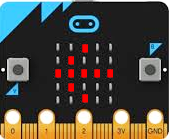
Programme: from microbit import * img = Image('99999:90009:90009:90009:99999:') display.show(img) |
À RETENIR... |
| Pour commander l'écran LED, tu utilises l'objet display avec les fonctions set_pixel(), show(), scroll() et clear(). |
TO SOLVE BY YOURSELF |
|
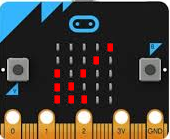
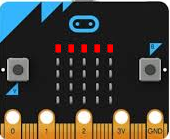
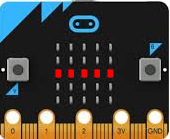
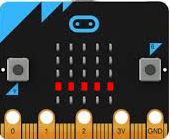
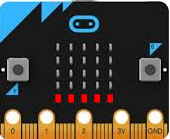

 |
 |
 |