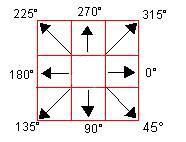
how characters can move within a grid, i.e. from cell to cell, towards the object they are following.
EXAMPLES
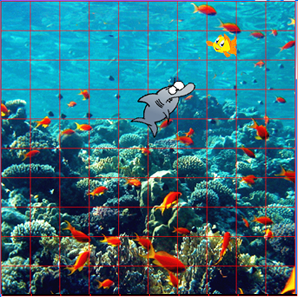
Example: A shark tracks Nemo
Nemo swims horizontally back and forth and is pursued by the shark. The shark moves from cell to cell in the direction of Nemo's current position.
The shark can choose one of the 8 possible neighbouring cells at each step. The optimal direction is determined using the method getCompassDirectionTo().
This method receives the position of the pursued object as a parameter.
To prevent the shark from catching Nemo immediately, we only move the shark every fifth simulation cycle.
neighbouring cells at each step. The optimal direction is determined using the method getCompassDirectionTo(). To move the pursuer more slowly, you can execute the movement only every fifth simulation cycle in its method act().
TO SOLVE BY YOURSELF
1.
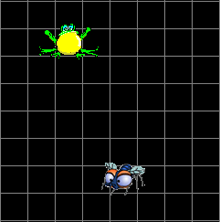
Create an actor Fly() (fly.gif) that can be moved using the cursor keys. The fly is pursued by the actor Frog (frog.gif). Create a playing field with 20 horizontal and 20 vertical cells measuring 30 pixels and grey grid lines.
For the pursuit, you can use the programme code from example 1 as a template. When the frog reaches the cell where the fly is located, the fly is eaten.