| HomeTurtlegraficsGPanelRoboticsGameGrid WebTigerPython |
| Python - Online |
| Deutsch English |
FROG GAME

GAME DESCRIPTION |

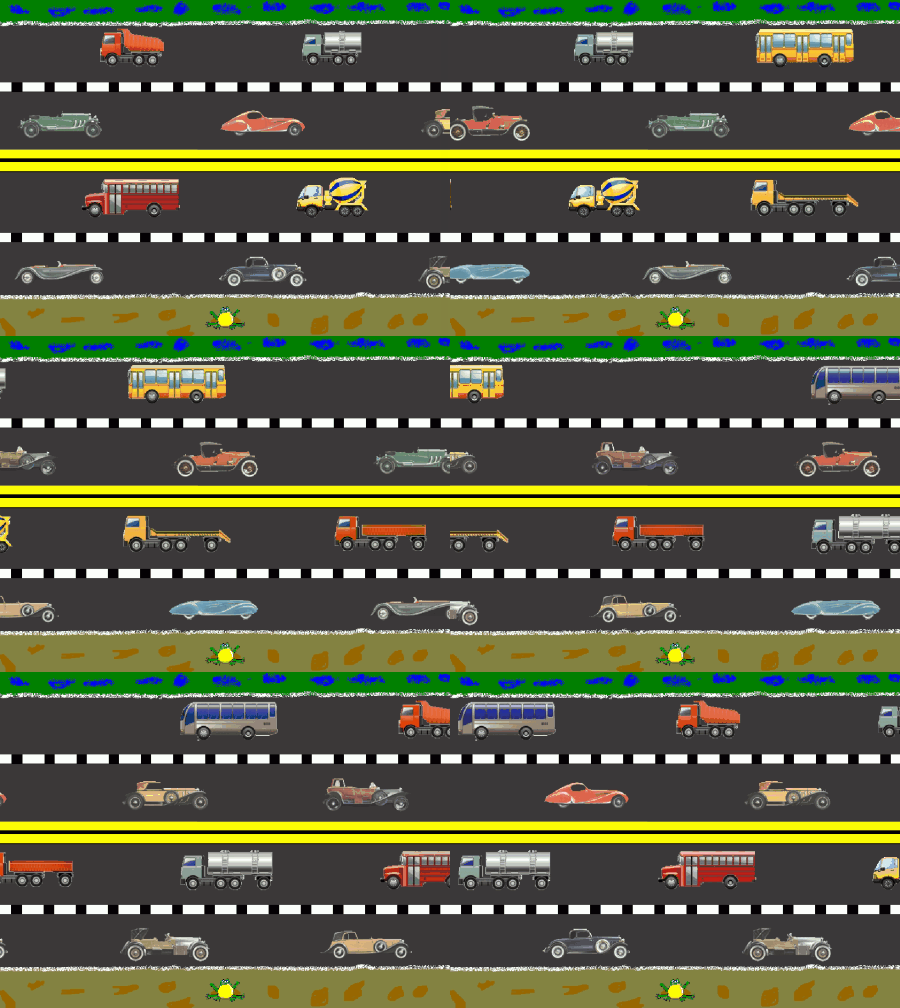
A frog has to cross both roads without being run over. In our implementation, when the frog collides with a car, it is not ‘really’ run over, but is instead returned to its starting position at the bottom of the window, where it can try again. Once it reaches the green stripe at the top of the window, it has reached its goal.
The frog can be moved by pressing the left mouse button. With each click, it moves forward a little. The speed of the moving cars can be adjusted by changing the simulation period (setSimulationsPeriod()). Program: from gamegrid import * import random from soundsystem import * # ------------- class Car ------------------------------- class Car(Actor): def __init__(self, carNb): Actor.__init__(self, ["sprites/car" + str(carNb) + ".gif"]) def act(self): self.move() if self.getLocation().x < -100: self.setLocation(Location(1650, self.getLocation().y)) if self.getLocation().x > 1650: self.setLocation(Location(-100, self.getLocation().y)) # --------------------- class Frogg --------------------- class Frog(Actor): def __init__(self): Actor.__init__(self, True, "sprites/frog.gif") def act(self): if self.getY() > 10 and self.getY() < 25: play() def collide(self, actor1, actor2): play() actor1.setLocation(Location(400, 560)) return 0 # ------------- mouse ------------------------------- def pressCallback(e): frog.setLocation(Location(frog.getLocation().x, frog.getLocation().y - 10)) # ------------- main ------------------------------- makeGameGrid(800, 600, 1, None,"sprites/lane.gif", False, mousePressed = pressCallback) frog = Frog() addActor(frog, Location(400, 560)) cars = [] for i in range(20): cars.append(Car(i)) for i in range(1, 5): cars[i].setHorzMirror(True) frog.addCollisionActor(cars[i]) addActor(cars[i], Location(350 * i, 90), Location.WEST) for i in range(5, 10): frog.addCollisionActor(cars[i]) addActor(cars[i], Location(350 * (i - 5), 350), Location.WEST) for i in range(10, 15): frog.addCollisionActor(cars[i]) addActor(cars[i], Location(350 * (i - 10), 220), Location.EAST) for i in range(15, 20): cars[i].setHorzMirror(True) frog.addCollisionActor(cars[i]) addActor(cars[i], Location(350 * (i - 15), 480), Location.EAST) show() setSimulationPeriod(60) openSoundPlayer("wav/frog.wav") doRun() |
Explanations of the programme code |
|
Tasks |
|

 |
 |
 |